How to Design a Calm and Functional Home Office
A home office that is both calm and functional is not a contradiction — it is a design problem with well-established solutions. The principles that reduce visual noise and distraction are the same ones that support sustained concentration and lower baseline stress.
Position and natural light
Natural light is the most important variable in home office design and the one most worth optimising before any furniture or equipment purchase. A north-facing room provides consistent, shadow-free natural light throughout the day without direct sun glare on the screen. East-facing rooms are bright in the morning; west-facing in the afternoon. Direct south-facing sun creates the most challenging conditions and typically requires blinds or a carefully considered screen position to manage.
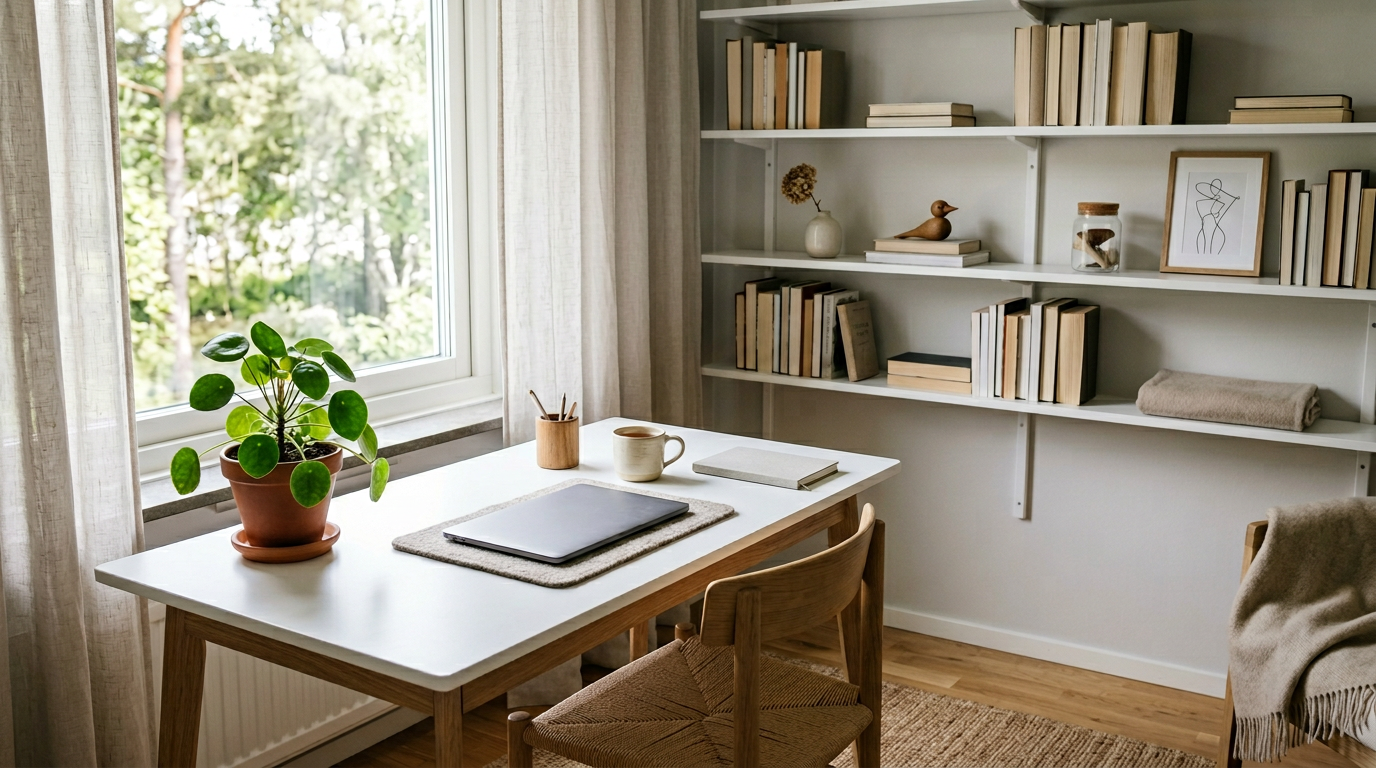
The screen should be positioned so that windows are to the side rather than directly behind or in front of the monitor. A window in front creates glare; one directly behind creates a backlighting effect that appears dark on video calls and strains the eyes. Where window placement is fixed, positioning the desk at ninety degrees to the window is typically the most workable compromise.
The furniture hierarchy
A comfortable, properly supportive chair is the highest-priority furniture investment for any home office used for full working days. Lumbar support, seat height adjustability, and armrest positioning all affect posture across a long day and have direct consequences for energy, concentration, and physical health over months and years. A good chair used at a mediocre desk consistently outperforms a mediocre chair at an expensive standing desk.
The desk height should allow forearms to rest roughly parallel to the floor when typing, with the monitor positioned at or slightly below eye level. A sit-stand desk converter — a riser placed on top of an existing desk — provides the option to alternate between sitting and standing postures without the cost of a full height-adjustable desk, which can be substantial.
Storage and surface clarity
Visual clutter in a workspace produces measurable cognitive load — the brain processes peripheral visual information even when attention is directed elsewhere. A workspace with minimal visible clutter requires less ongoing filtering effort and creates a lower baseline of ambient distraction throughout the working day. This is not minimalism for its own sake but adequate storage so that items not in current use have an obvious home.
Closed storage — a drawer unit, a cabinet with doors — is more effective at reducing visual noise than open shelving for most people. Routing cables behind or beneath the desk removes one of the most common and easily addressed sources of visual complexity. A desk surface that is clear except for what is being worked on right now signals to the brain that attention should be here rather than distributed across multiple visible projects.
Sound management
Open-plan homes or thin walls present acoustic challenges that furniture arrangement and soft furnishings can partially address. Bookshelves, soft upholstery, curtains, and rugs all absorb sound rather than reflecting it, reducing the reverberant quality that makes ambient noise more intrusive and cognitively demanding. A room with hard floors and bare walls has measurably worse acoustics for focused work than one with textiles and soft surfaces.
For calls and focused work, the practical toolkit is: a headset or directional microphone that reduces background sound reaching the other party, and closed-back headphones or earplugs for blocking incoming ambient sound when needed. Background noise machines — or apps generating consistent ambient sound at a steady level — mask irregular environmental sounds more effectively than silence does for most people working in environments with unpredictable interruptions.
The psychological dimension
A home office physically separate from living areas maintains the spatial distinction between work and rest that an office building provides automatically. Where a dedicated room is not available, a defined area — even a specific corner of a room — that is consistently set up only for work and put away or screened after working hours, reduces the psychological difficulty of mentally leaving work at the end of the day.
Small elements of personalisation — a plant, a meaningful object, chosen artwork — have measurable effects on mood, belonging, and perceived effort in a workspace. The evidence for indoor plants in particular is consistent across multiple studies: the presence of living plants in a working environment is associated with reduced stress responses and improved self-reported sense of wellbeing and productivity.
Key Takeaways
- Position the screen with windows to the side; avoid glare from windows directly in front or behind the monitor.
- A good supportive chair is the highest-priority furniture investment; everything else is secondary to it.
- Closed storage reduces visual clutter and the cognitive load of filtering peripheral information throughout the day.
- Soft furnishings, rugs, and curtains absorb sound — particularly important in open-plan homes or rooms with hard floors.
- A physically or spatially defined work area helps maintain the mental separation between work and rest that most people need.